Change your account email
To change the email associated with your account, just visit the page of your account on the fyrebox.com website and look for the field "Email":
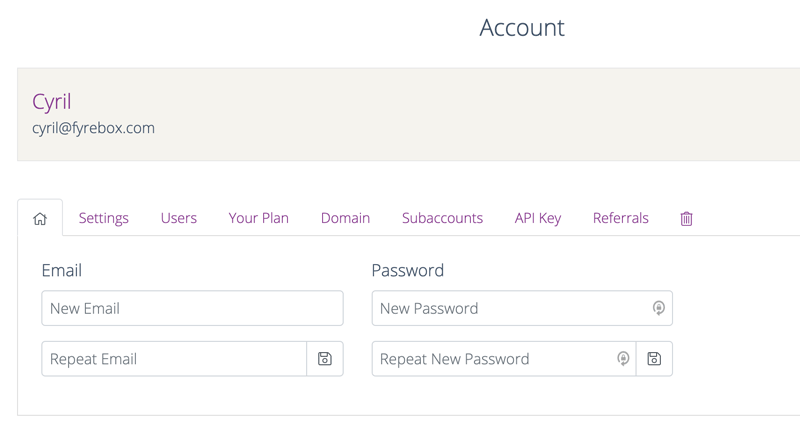
Just confirm your email address and click on the save button. A confirmation message will be displayed at the top of the page. If the email is already in use, an error message will be displayed instead.